intelliINSPECT

Visual Inspection

See the asset. Sign the finding. Lose nothing.

For inspectors who close out in the field. Open the wizard on the asset, capture by voice and photo offline, and sign. The record routes the rest.

Built in, not bolted on

The asset, walked surface by surface. Seen, signed, and routed.

Each surface carries its own visual wizard and code, then hands the measurement to NDE and the verdict to integrity.

  1. 01

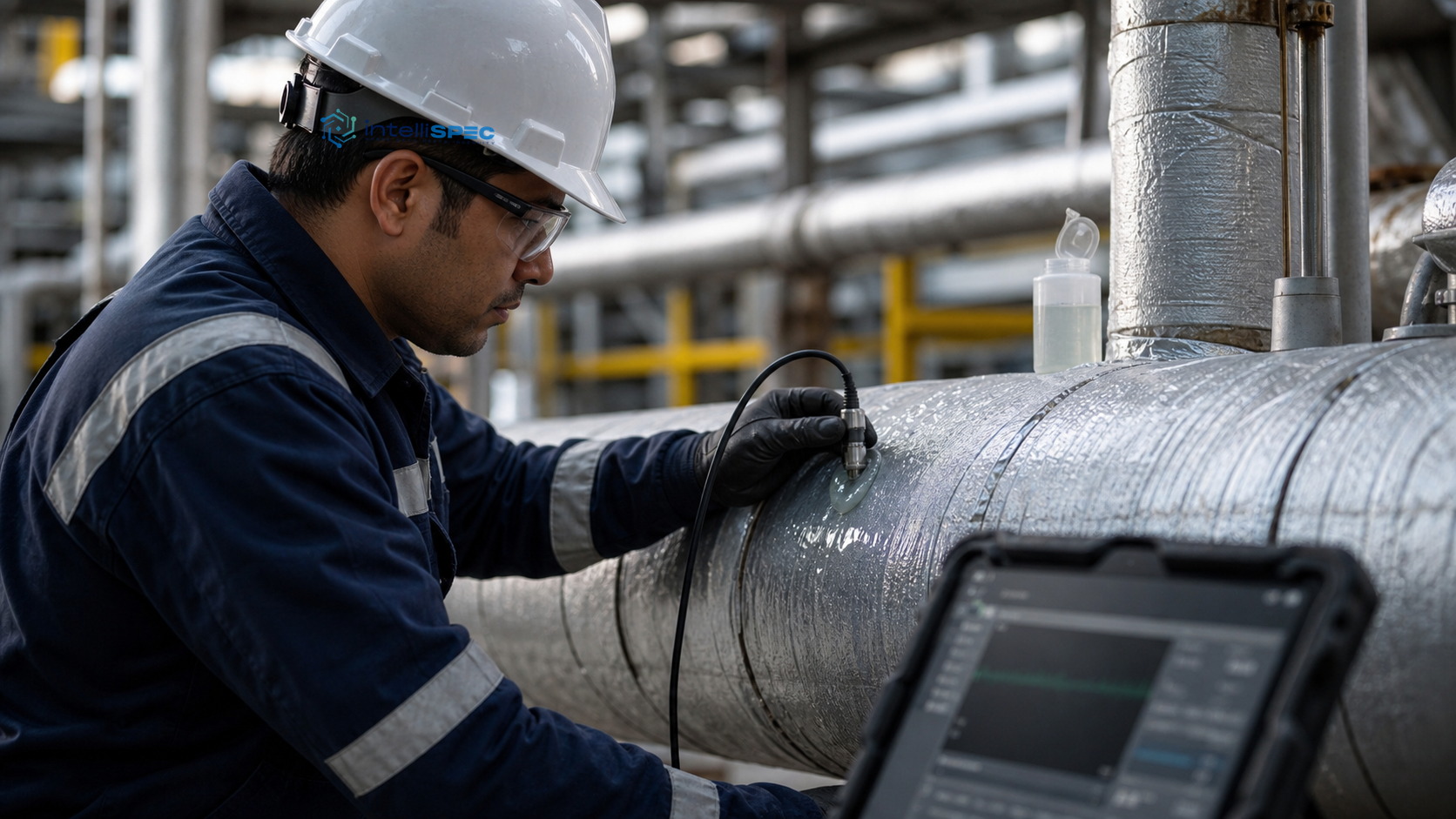
    The external shell

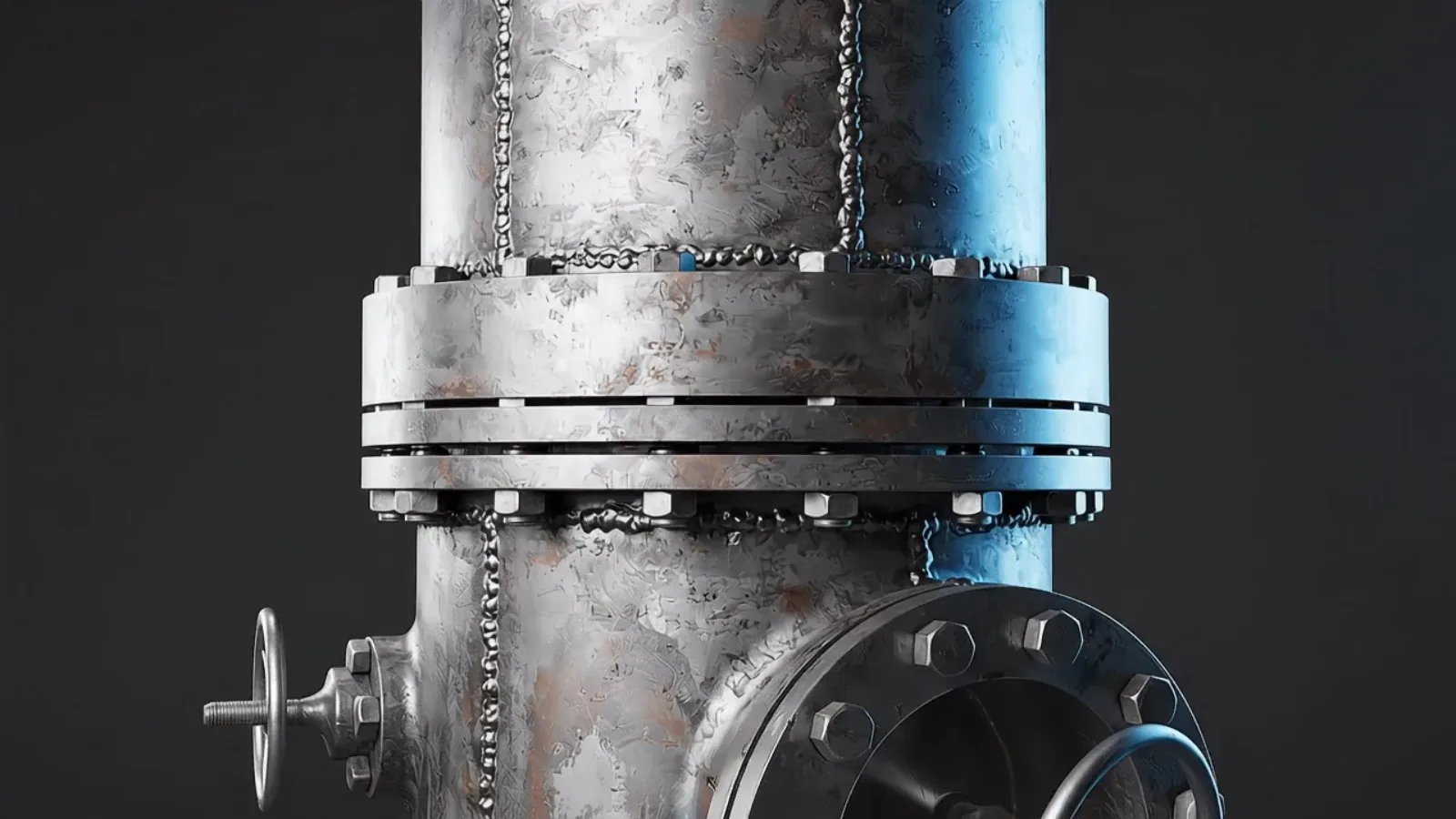
    Coating, insulation, and supports, the first pass of every visual.

  2. 02

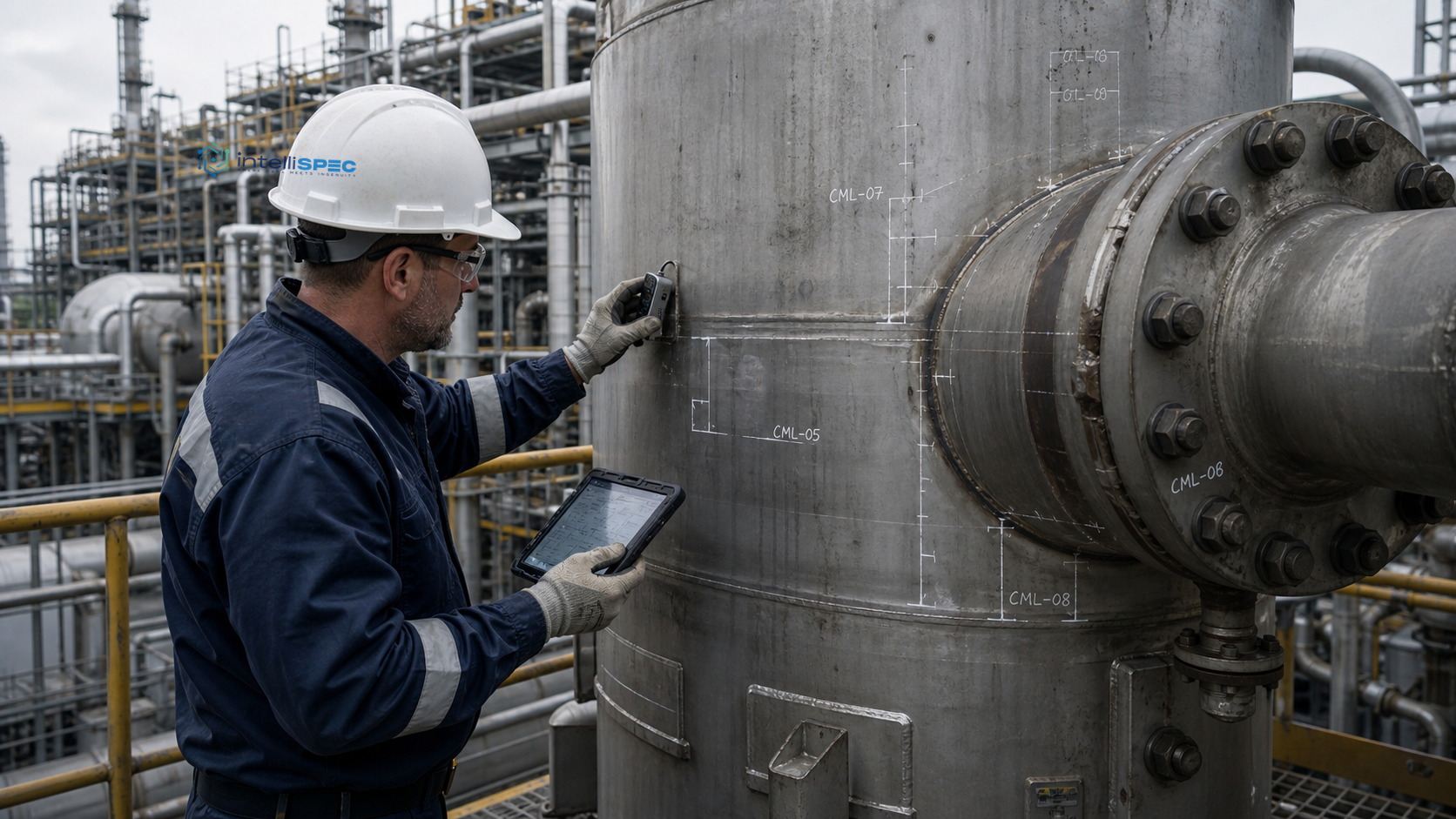
    The internal surface

    Opened at the manway, internal and on-stream visual, captured offline.

  3. 03

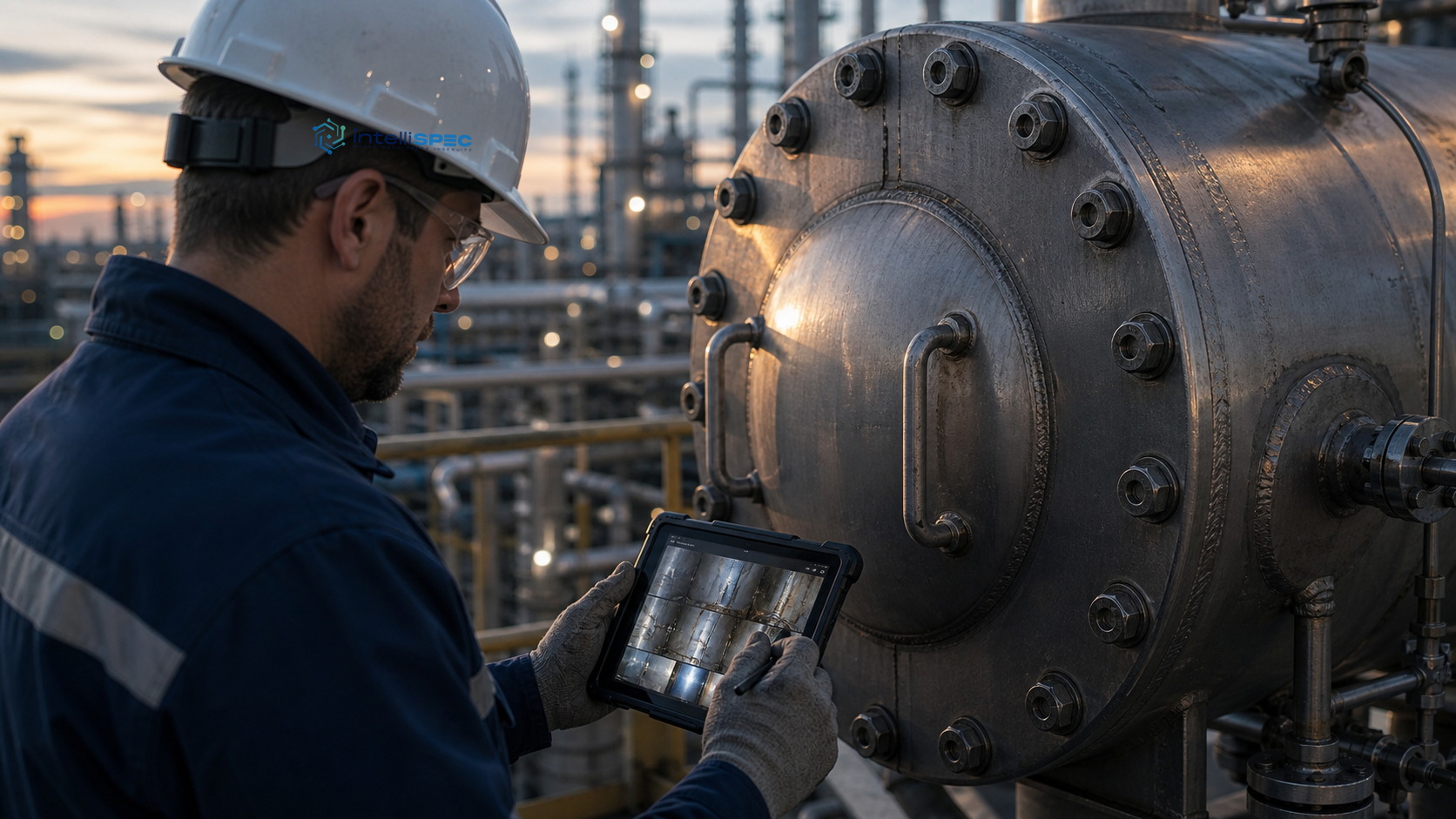
    Nozzles, welds, relief path

    Every surface signed, then routed to NDE and integrity.

Capabilities

Built around the work, step by step.

0101 / 08

Asset-aware visual wizards

One wizard per equipment class, with the asset history already loaded.

0202 / 08

Capture once, in the field, offline

Voice, photos, and drawings land in one record, offline, syncing on reconnect.

0303 / 08

Signed, then routed

The inspector signs and the finding routes by severity, the same minute.

0404 / 08

Visual condition, graded not guessed

Condition graded to published visual scales, so two inspectors log it the same.

0505 / 08

Calls up the method when eyes aren't enough

A finding that needs a number raises an NDE request, location and concern attached.

0606 / 08

Brings your drones and crawlers in

Drone, crawler, and pole-cam imagery logs as a finding on the exact asset.

0707 / 08

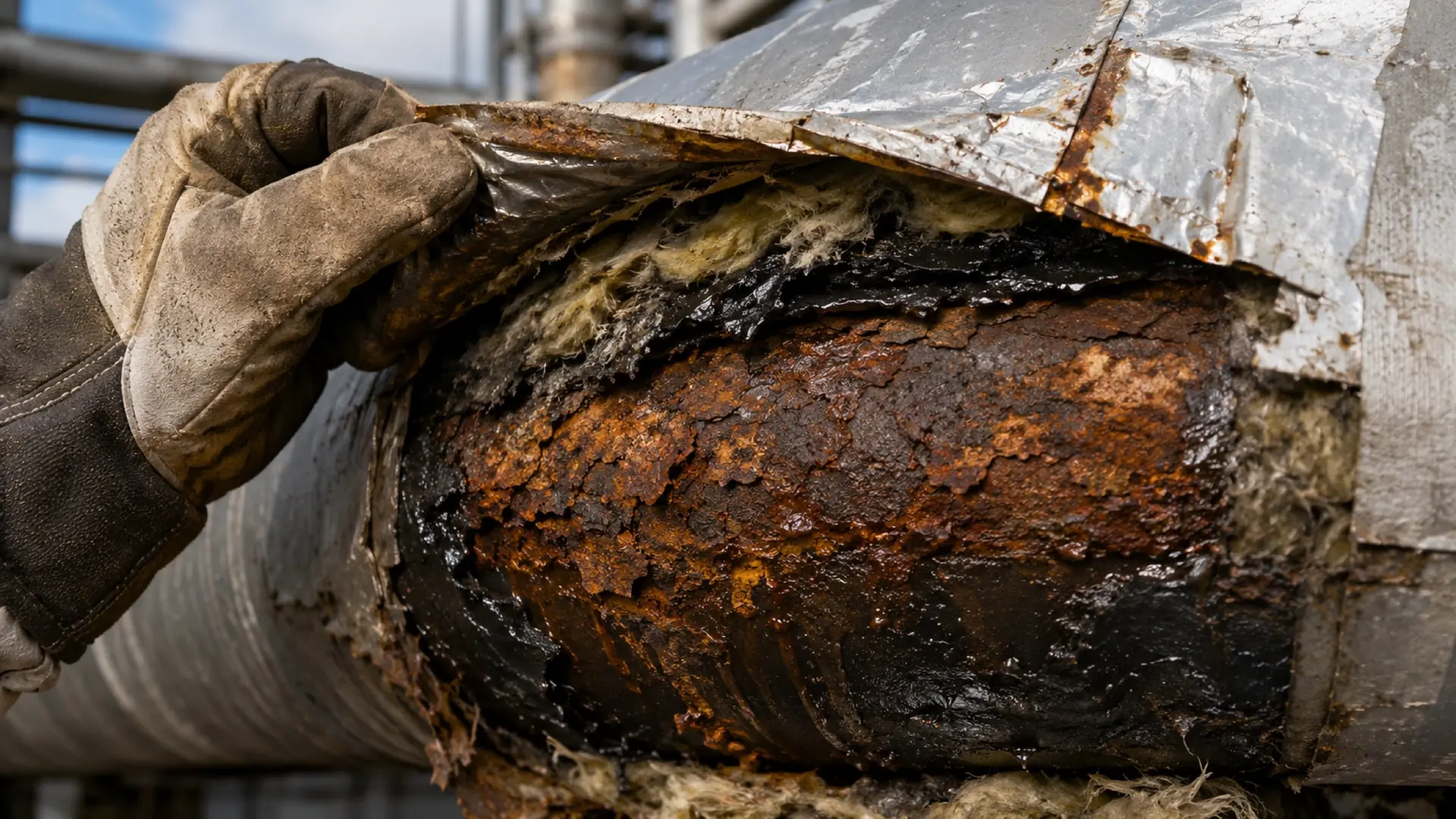
CUI and external-corrosion screening

Screens for corrosion under insulation and coating breakdown before it turns into a loss.

0808 / 08

Feeds the verdict, never guesses it

Every finding feeds intelliINTEGRITY, where condition becomes risk and a next date.

08 CAPABILITIES

Grounded by design

One model. Cited to the clause.

  • Reads the live digital twin, not a copy
  • Cites the API or ASME clause behind each result
  • Exports the full path to a result as one query

For the field inspector

Your day, on one screen.

Start on the asset, not a blank form

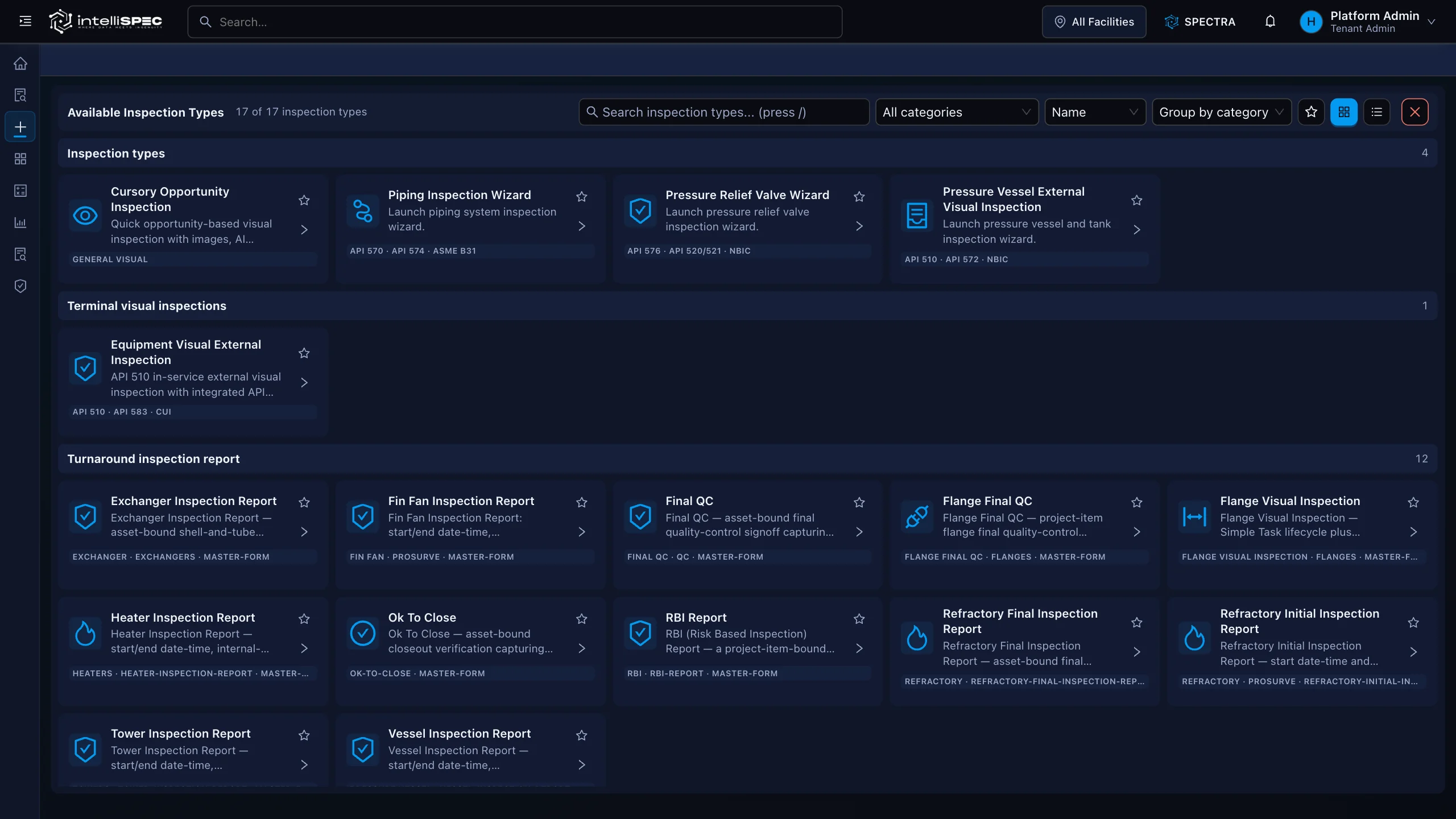
Pick the inspection from the library. The right form loads with the asset history already in place.

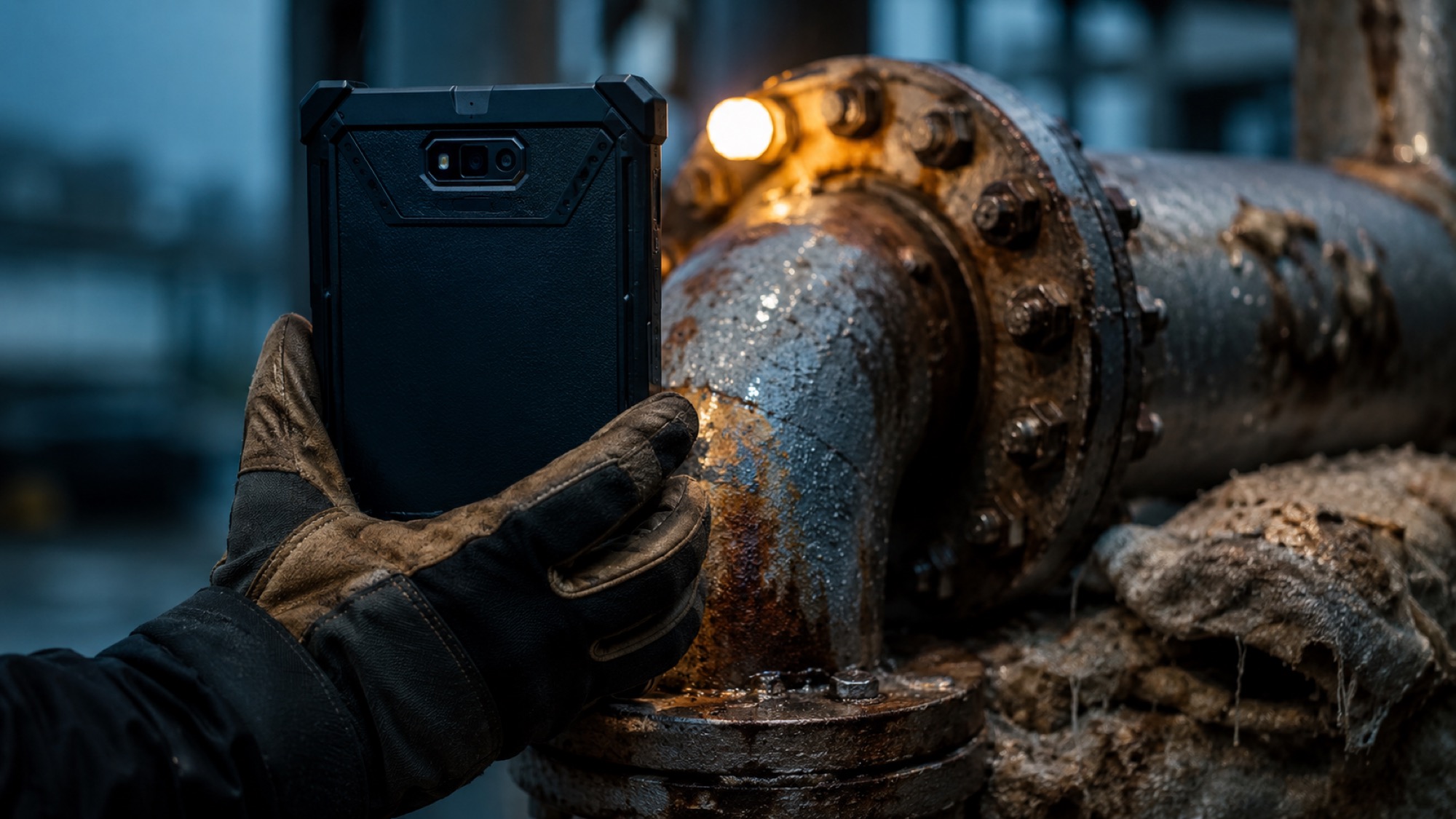
Gloved hands still capture everything

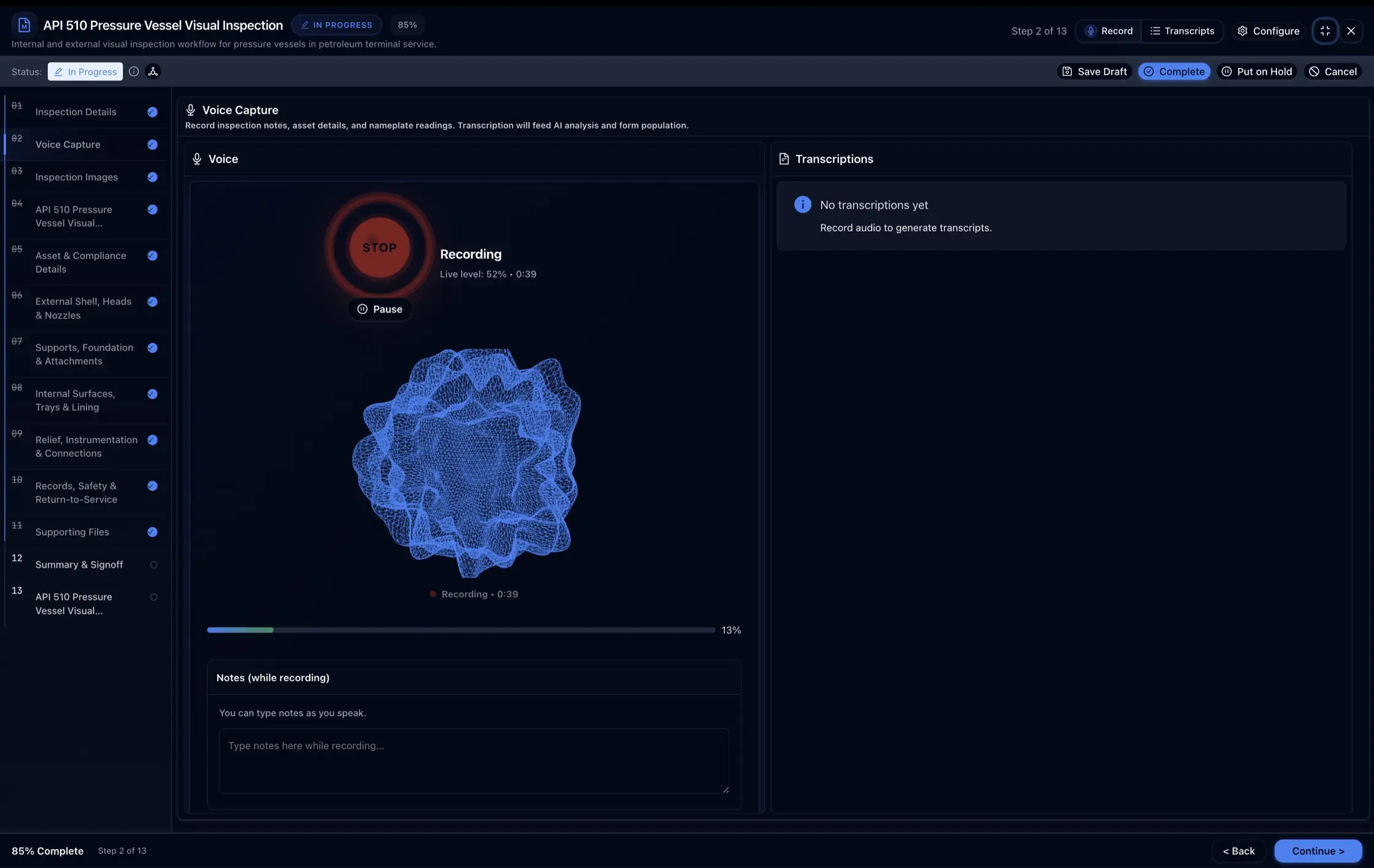
Voice notes become findings. Photos and drawings file themselves to the asset, with or without signal.

Sign it and walk away

The signed finding routes the NDE request and feeds the integrity verdict. Nothing waits on the trailer.

Real screens from the platform, not mockups

intelliINSPECT · Inspection library
intelliSPEC inspection library: API 510, API 653, coating, fire, and terminal visual workflows
intelliSPEC voice capture: recording field notes for transcription into the finding

Proof

Every signed finding traces to the standard it answers to.

Standards referenced

API 510API 570API 653NBICAPI 571AMPPSSPCASME BPVCOSHA PSMISO 55000

Answers

intelliINSPECT, in plain terms.

Does intelliINSPECT do thickness readings or risk-based inspection?

No, and that is deliberate. intelliINSPECT captures visual inspection. Wall-thickness and NDE readings live in intelliNDT; risk-based inspection, remaining life, and fitness-for-service live in intelliINTEGRITY. A finding here calls up the measurement and feeds the verdict, so each module stays in its lane.

What equipment types are supported out of the box?

Pressure vessels, storage tanks, heat exchangers and boilers, piping, pressure relief valves, flanges, rotating equipment, structural, and surface-preparation hold points.

Does it cover external and internal inspection?

Yes. External visual, internal visual at the manway, and on-stream or in-service visual each have their own asset-aware wizard, with the right checklist for the equipment type.

Do I have to buy your drones or sensors?

No. intelliINSPECT is the system of record, not the hardware. Bring the drones, crawlers, and remote cameras you already run; their imagery logs as a visual finding on the asset, and optional vision assist grades external corrosion and coating against published scales.

Can inspectors work without a network connection?

Yes. The wizard runs offline and syncs to the platform when the device reconnects, with no re-keying of field notes back at the trailer.

Which codes govern the inspections?

API 510, 570, and 653 with NBIC, with damage-mechanism awareness drawn from API 571 and visual condition referenced to AMPP and SSPC scales.

Is a digital signature required to close an inspection?

Yes. Inspector signature is a required workflow transition. The record cannot move to completed without a valid signature, and once signed it is timestamped and locked.

See intelliINSPECT on your own asset.

See the failure before it happens. Prove the work after it is done.

Your asset class, configured live. No slides.