intelliCOMPLY

Safety & compliance

Permit to incident to audit, one record.

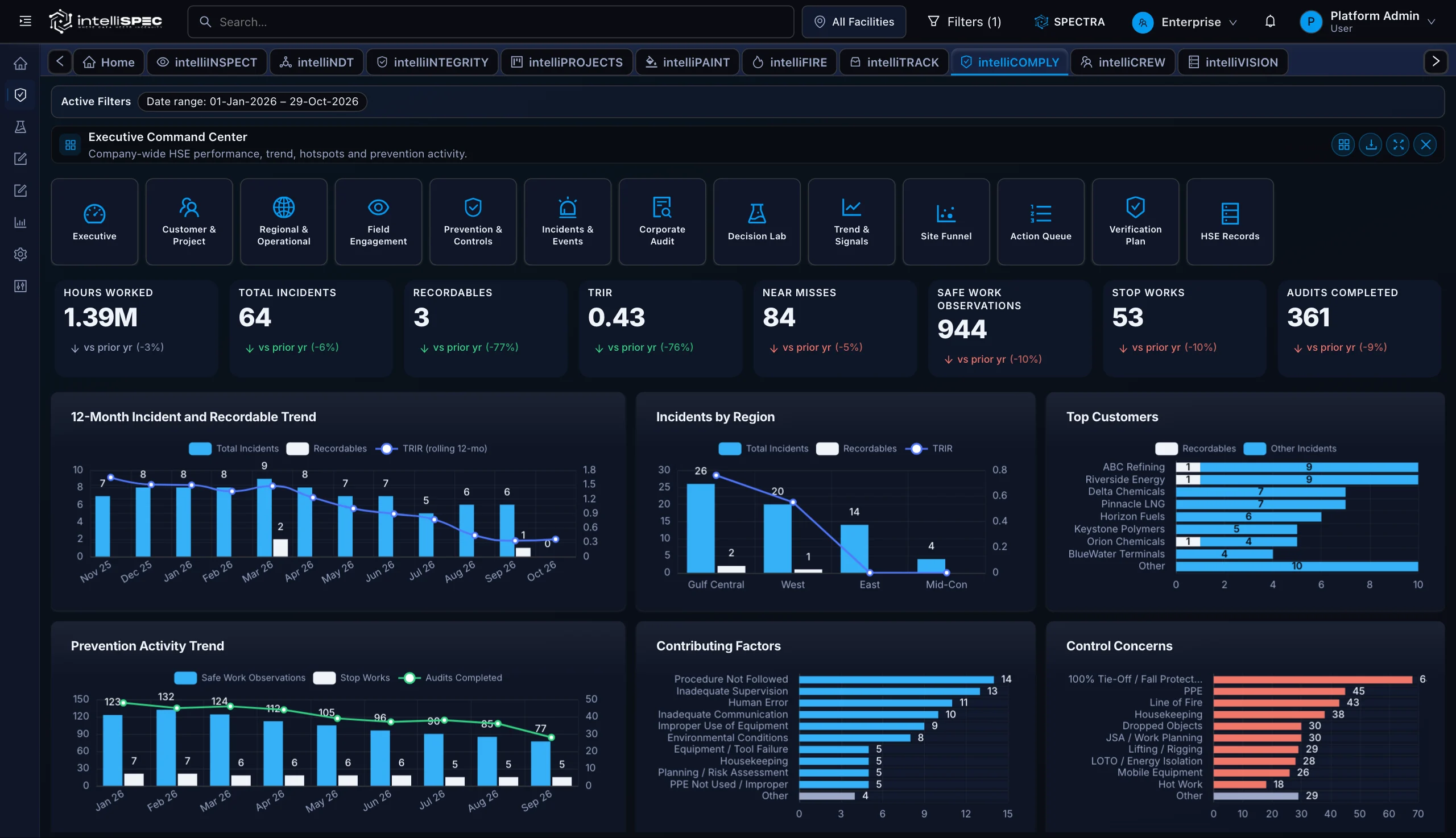
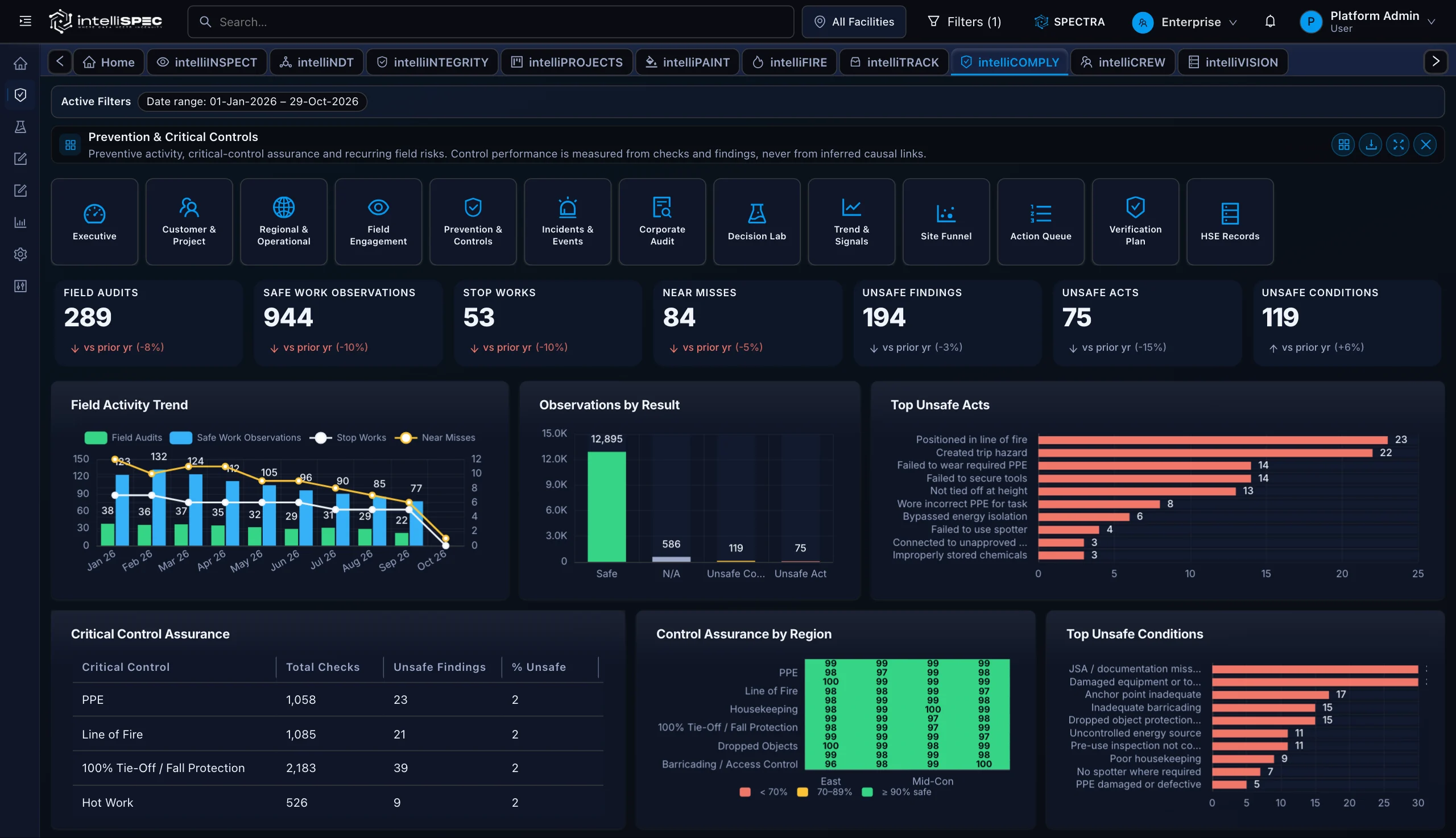
For the safety lead who answers to the auditor. Raise the permit, run the JSA and LOTO, log the near-miss and incident. The trail assembles itself as the work happens.

Built in, not bolted on

The record, built as you work. Audit-ready, layer by layer.

Permit, approval, and incident each land on the record the moment they happen, so the PSM export is a query, not a week of assembly.

  1. 01

    Permit to work

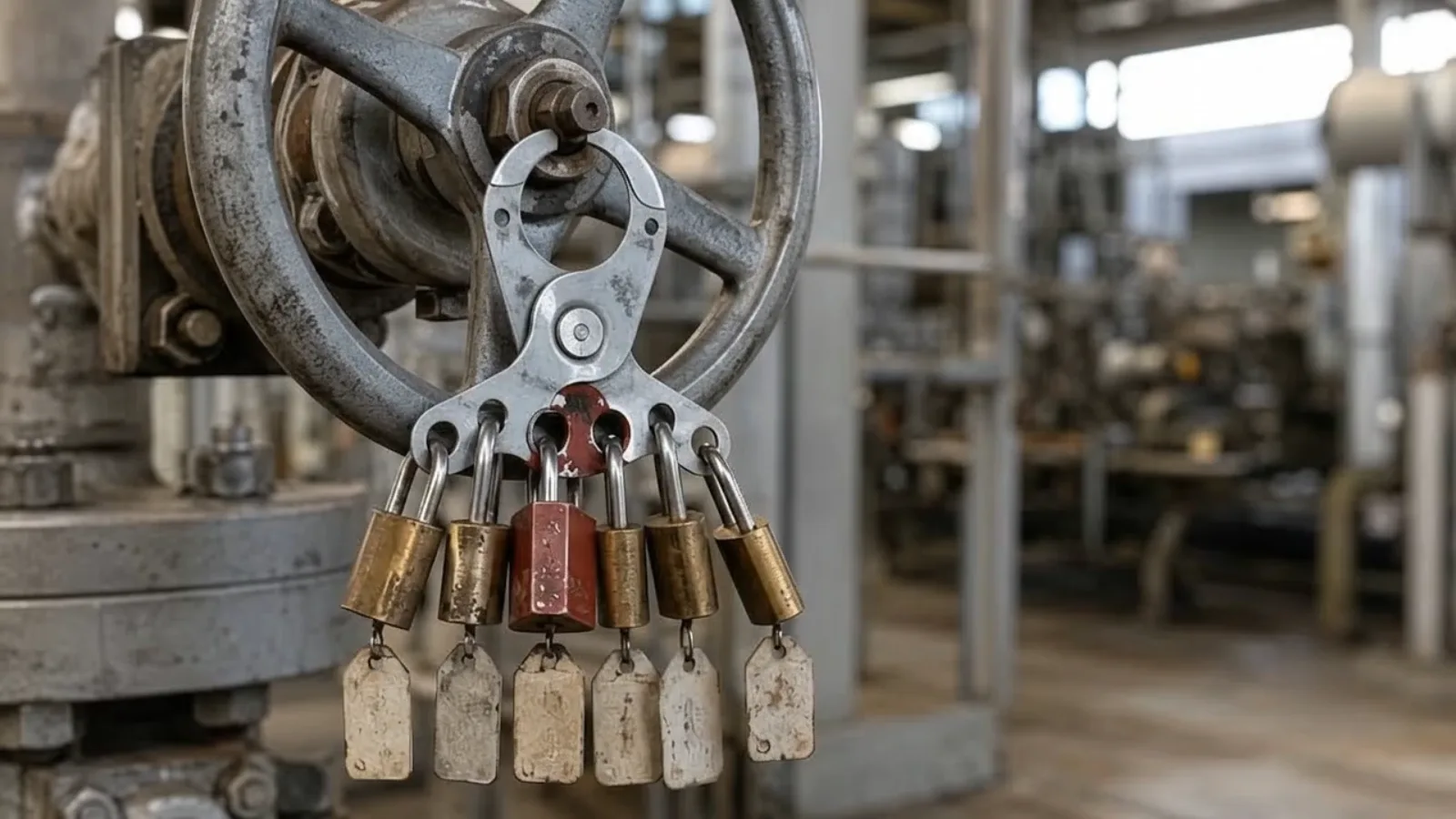
    JSA and LOTO, signed and timestamped.

  2. 02

    Approvals

    Multi-level chains with escalation on timeout.

  3. 03

    Audit trail

    One query, full PSM export on demand.

Capabilities

Built around the work, step by step.

0101 / 04

Audit-by-Default Evidence Trail

The trail is the by-product of doing the work, so there is no separate export to assemble.

0202 / 04

Configurable Forms and Checklists

New permits, audits, and VOC surveys go live by configuration, not a development sprint.

0303 / 04

Multi-Level Approval Routing

A rejection routes back, a missed deadline escalates, and every step lands in the trail.

0404 / 04

Mobile and Offline Submission

Photos, voice, and markups submit offline in the field and sync the moment signal returns.

04 CAPABILITIES

Grounded by design

One model. Cited to the clause.

  • Reads the live digital twin, not a copy
  • Cites the OSHA or API RP 75 clause behind each result
  • Exports the full path to a result as one query

In the field

Where the work actually happens.

At the toolbox talk01

At the toolbox talk

Crews raise JSAs, LOTO, and permits on a tablet before the job starts, each step signed and timestamped.

On the night shift02

On the night shift

Near-miss reports and incident records capture offline in the field, then sync clean the moment signal returns.

In the control room03

In the control room

Compliance leads query any form, site, or date range live and pull the consolidated audit trail on demand.

How it works

From the field to the record.

  1. 01/ 03

    Configure

    Define the form, checklist, or permit in the intelliCOMPLY form designer. Set required fields, conditional logic, scoring rules, and the approval chain. No code deployment required.

  2. 02/ 03

    Capture

    Field workers submit via mobile, online or offline. Photos, signatures, and drawn markups attach directly to the record. Spectra, the intelliSPEC AI copilot, monitors submission patterns and surfaces repeat-finding drift before it becomes a formal finding.

  3. 03/ 03

    Query

    Every submission, approval decision, and field change is searchable. When an auditor asks for all TSTI forms from a specific site and date range, the answer is a query, not a week of manual assembly across disconnected systems.

Proof

Every submission and signature is already the audit trail, not a report you assemble.

Standards referenced

OSHA 29 CFR 1910.119API RP 75NFPASSPC

Answers

intelliCOMPLY, in plain terms.

Does intelliCOMPLY replace our existing document management system?

No. intelliCOMPLY is the compliance evidence layer that sits alongside the systems you already run. It consolidates the audit trail across forms, permits, and approvals, it does not replace document storage or work order management.

How quickly can a new compliance form be deployed?

New forms are configured, not coded. The TSTI Audit Form and Employee Time Card are built in JSON configuration, no development sprint or code deployment is required to add sections, scoring rules, or conditional routing.

Can field workers submit forms without a network connection?

Yes. intelliCOMPLY supports offline submission with photo, voice, and drawing capture. Records sync automatically when connectivity returns.

What approval workflow capabilities does intelliCOMPLY include?

The platform supports multi-level approval chains with conditional routing. A rejected submission re-routes to the submitter; a missed approval deadline triggers an escalation. Every routing decision is logged in the audit trail.

How does intelliCOMPLY handle VOC compliance tracking?

The VOC Workspace and VOC Analytics Dashboard track paint specifications, emissions totals, low-VOC adoption rates, and pareto analysis by specification, filterable by company, facility, and date range.

Which standards does intelliCOMPLY support?

The module supports compliance programs aligned with OSHA PSM (29 CFR 1910.119), API RP 75 SEMS, NFPA permit workflows, and SSPC coatings compliance documentation.

See intelliCOMPLY on your own asset.

See the failure before it happens. Prove the work after it is done.

Your asset class, configured live. No slides.