Continuous RBI Scoring
API 580/581 risk rescores on the reading that lands, not on the quarterly batch.
Risk & reliability
For integrity engineers who own the run, repair, or replace call. A reading lands and the assessment rescores itself. You approve the next move, and the record carries it.
Built in, not bolted on
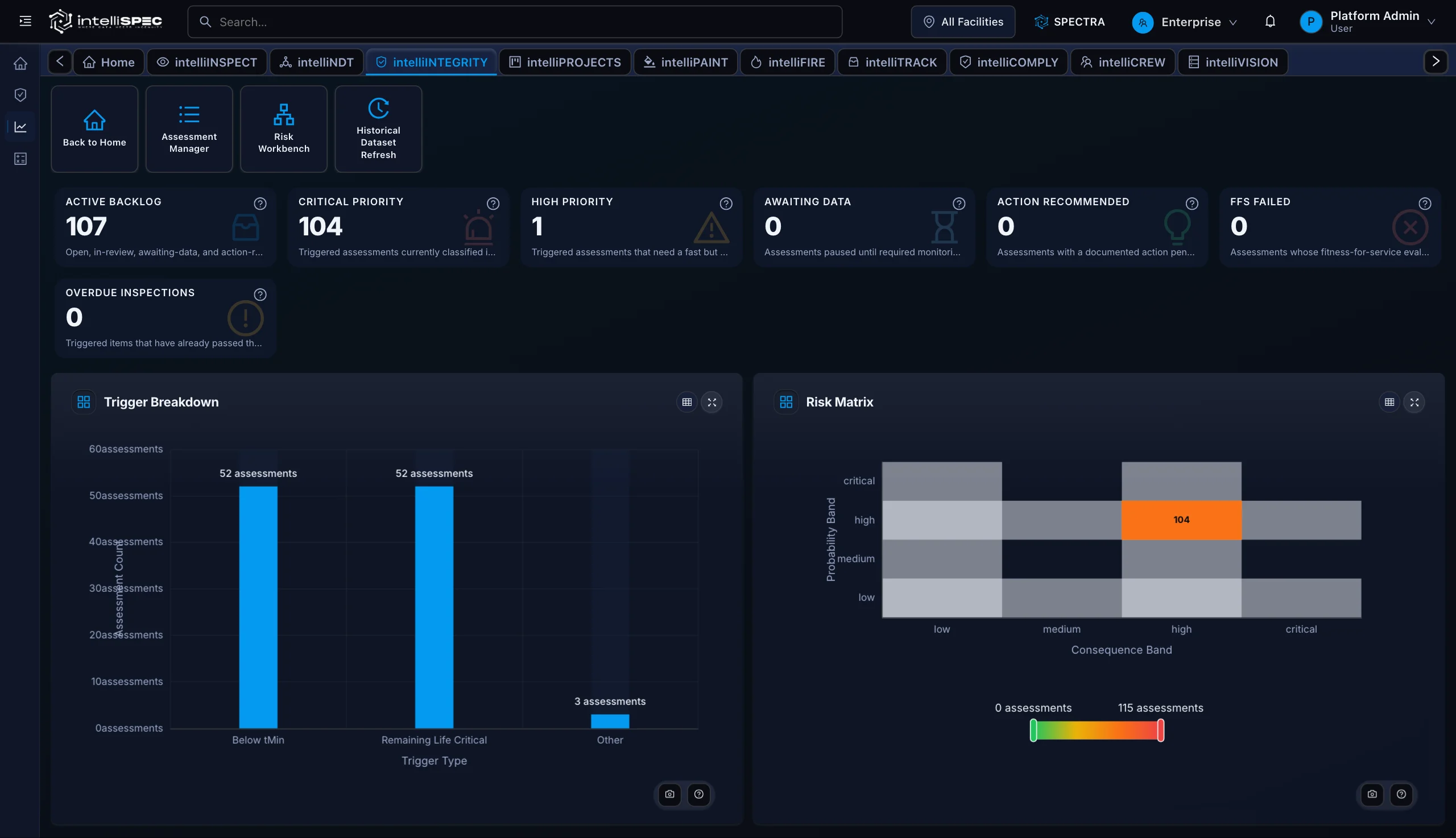
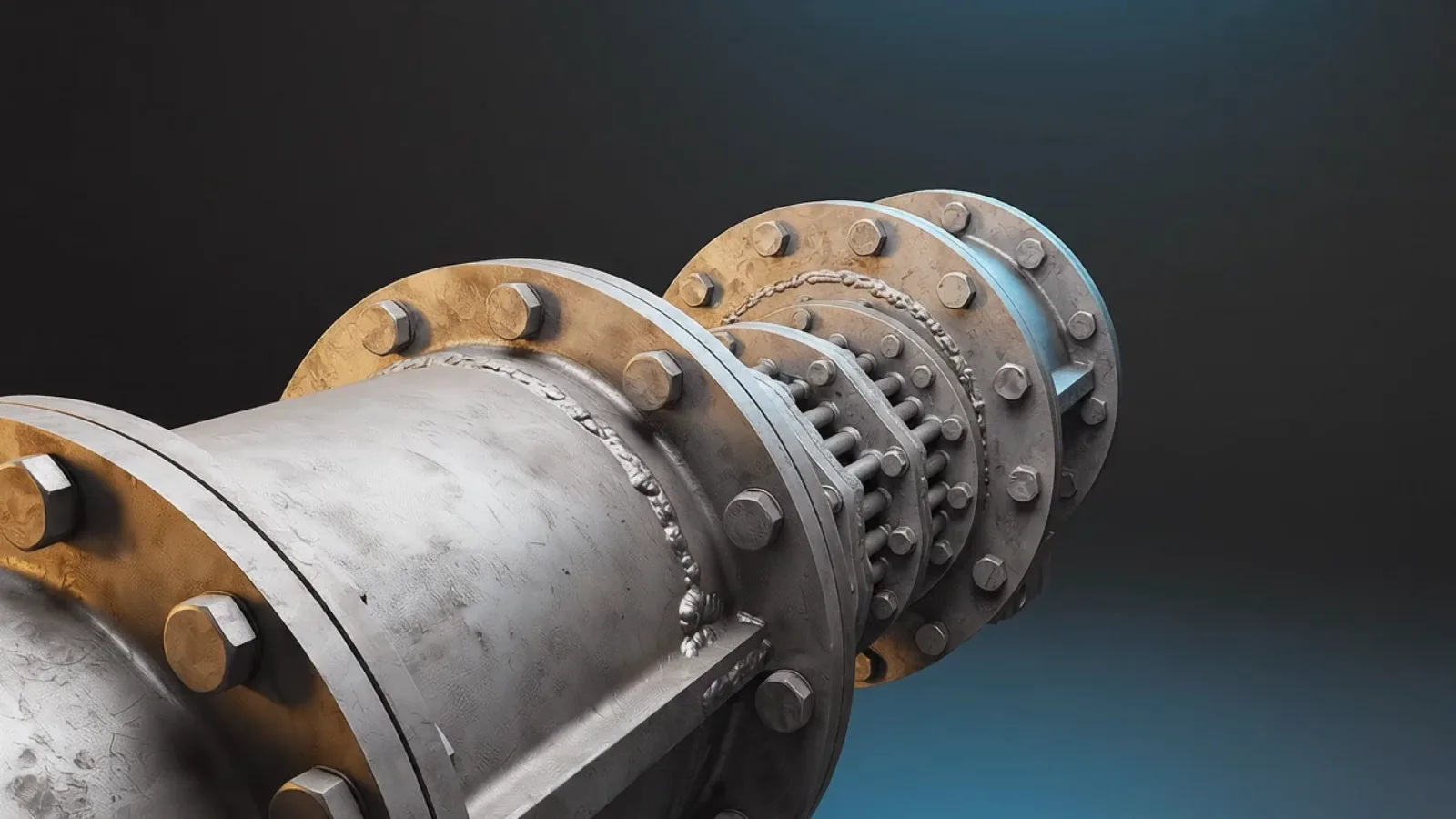
Each layer of the vessel is rescored the moment a reading lands or an operating window breaks, probability to fitness-for-service.

The pressure boundary
Probability of failure, scored live to API 580 / 581.
The shell, pulled back
Consequence of failure, area and cost modeled.
Tubes and heads, exposed
Fitness-for-service on the same record, API 579-1.
Capabilities
Grounded by design
In the field
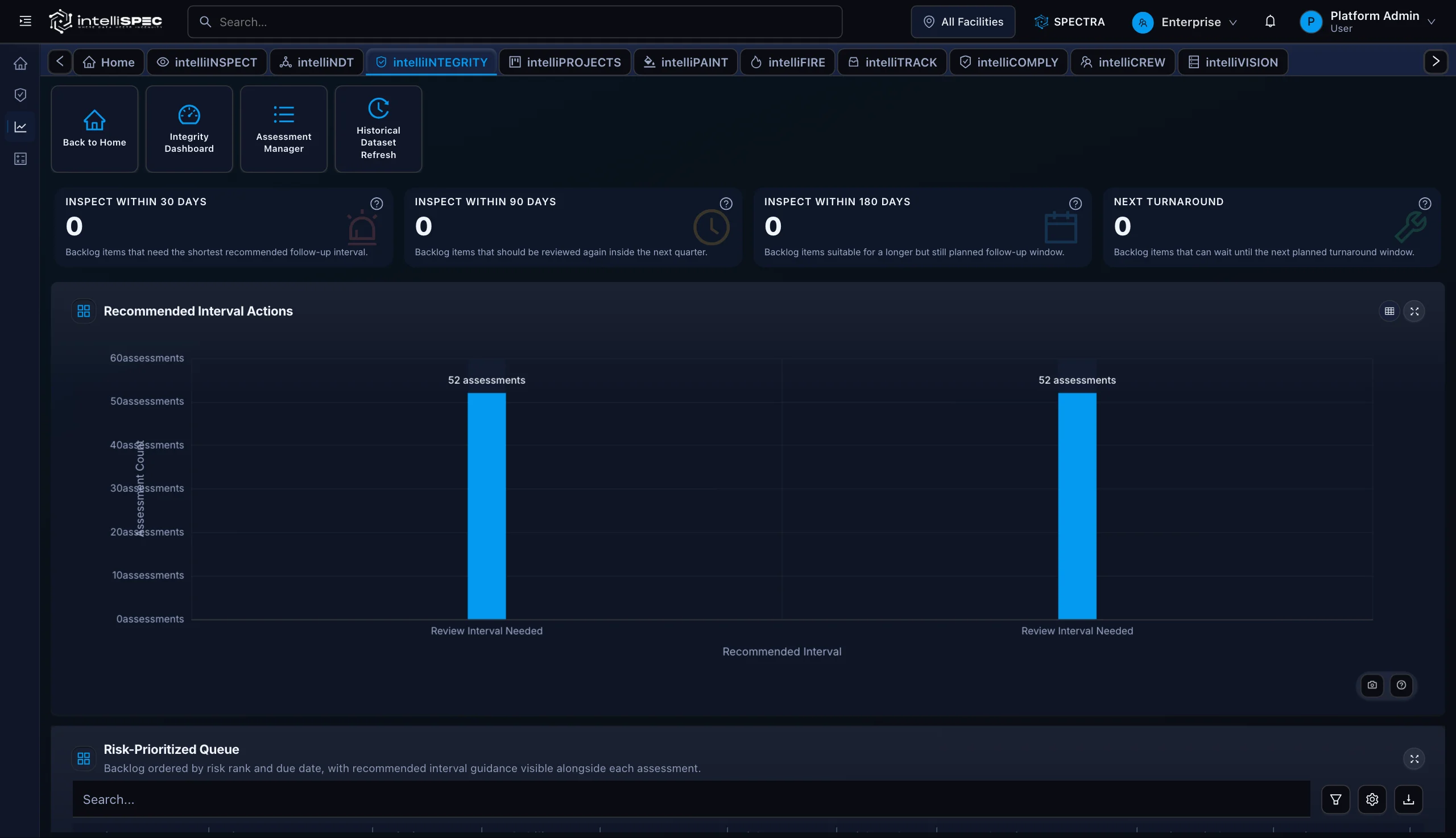
01Engineers triage scored assessments by probability band, consequence band, and recommended interval in one prioritized queue.
02Every MAWP, tMin, and FFS result traces back to the real pressure vessel carrying the load in service.
03Findings from inspection, readings from NDE, and the data you already historize feed the RBI loop directly, so scoring reflects condition today.
How it works
CML readings from intelliNDT and findings from intelliINSPECT feed intelliINTEGRITY continuously. When a circuit breaches tMin, depletes remaining life to a critical threshold, or meets an escalation rule, an integrity assessment opens automatically.
Spectra, intelliSPEC's AI copilot, runs the RBI Scoring and Quick Risk Estimator calculators on the triggered assessment. FFS Level 1, MAWP, tMin, and MDMT calculations pull equipment context from the assessment record automatically, no re-keying.
The Assessment Manager routes the scored record to the right reviewer. Approved dispositions (monitor, repair, replace, or defer) emit an inspection plan that flows directly into intelliINSPECT. Every input, score, and approval carries a complete audit trail.
Proof
Explore

Readings become corrosion rates and remaining life the moment they land, for every NDE method you run.
Explore→
Inspections come back complete and consistent the first time, on any vessel, tank, exchanger, PRV, or line.
Explore→
When the question comes, the record is already there: permits, JSAs, LOTO, incidents, defensible by default.
Explore→Answers
The module implements API 580/581 semi-quantitative risk scoring. The Integrity RBI Scoring calculator scores probability and consequence bands on every assessment per those standards.
Yes. The FFS Level 1 - Metal Loss Assessment calculator applies API 579-1/ASME FFS-1 Part 4 screening criteria. FFS results (acceptable, indeterminate, or unacceptable) appear on every backlog card alongside the RBI rank.
The Integrity MAWP Calculator computes maximum allowable working pressure at current measured thickness per ASME codes. The Integrity tMin Calculator routes to ASME B31.3, ASME VIII Div 1, or API 653 based on equipment type.
Three trigger types fire automatically: thickness reading below tMin, remaining life reaching a critical threshold, and manual escalation by an engineer. All three appear in the Assessment Manager and Risk Workbench.
The Integrity Inspection Interval Optimizer runs per API 570/510 and outputs one of four recommended windows (inspect within 30 days, 90 days, 180 days, or next turnaround) based on current risk rank and computed remaining life.
Yes. RBI per API 580/581 plus the interval optimizer let the next inspection date follow risk and condition rather than a fixed interval, so intervals reflect the asset, not the schedule it was born with. This is the decision layer where condition-based planning lives, fed by inspection and NDE.
An excursion past the integrity operating window (API 584) reopens the affected assessment and rescores it, so a process upset reaches the risk picture the same day rather than at the next scheduled review.
Yes, as integration. intelliINTEGRITY is the decision layer, not the hardware. The process-historian, corrosion-probe, and permanent-monitoring data you already collect feeds probability and consequence, so live condition becomes live risk between turnarounds, with no new instruments required.
CML readings from intelliNDT and field findings from intelliINSPECT feed the module continuously. Approved inspection plans route back into intelliINSPECT automatically, closing the loop without manual data transfer.
See the failure before it happens. Prove the work after it is done.
Your asset class, configured live. No slides.